Bring any photo to life
Upload a picture, describe what should move, and the AI turns it into a video. Product shots, portraits, landscapes or your own AI images: pick the model and the length, then generate.
Animate a photo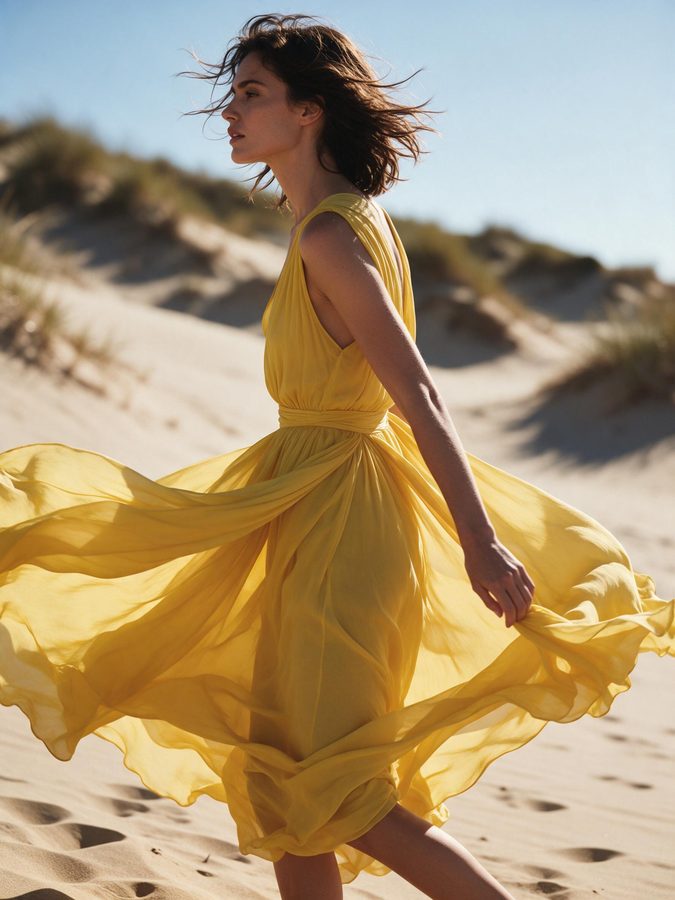
How it works
- 01
Add your photo
PNG, JPG or WEBP, or an image you made in the photo studio.
- 02
Describe the motion
Camera move, action, mood.
- 03
Generate
Pick the model and length, then download or post.
Animate with the best models
Every top model
Seedance 2.5, Kling 3.0, Veo 3.1 and many more support image to video.
Keeps your subject
The video starts from your exact image.
Style presets
Product ad, cinematic, UGC and more, with expert direction built in.
Sound
Many models add native audio.
From the photo studio
Generate an image, then animate it in one click.
Pay per video
Price shown before you click, refunds on failure.
Great for
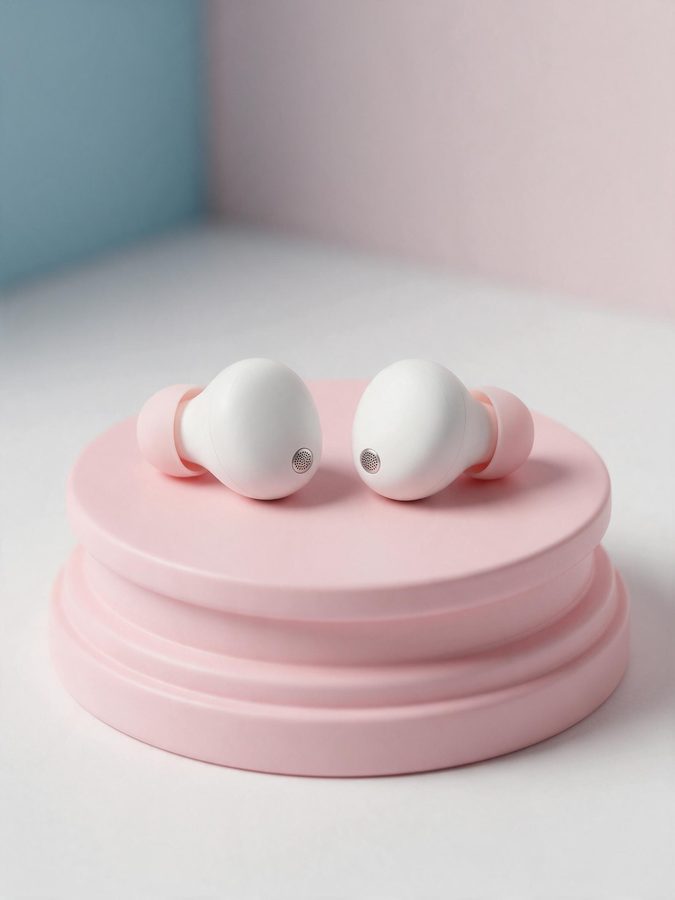
- Product photos into ads
- Portraits into talking shots
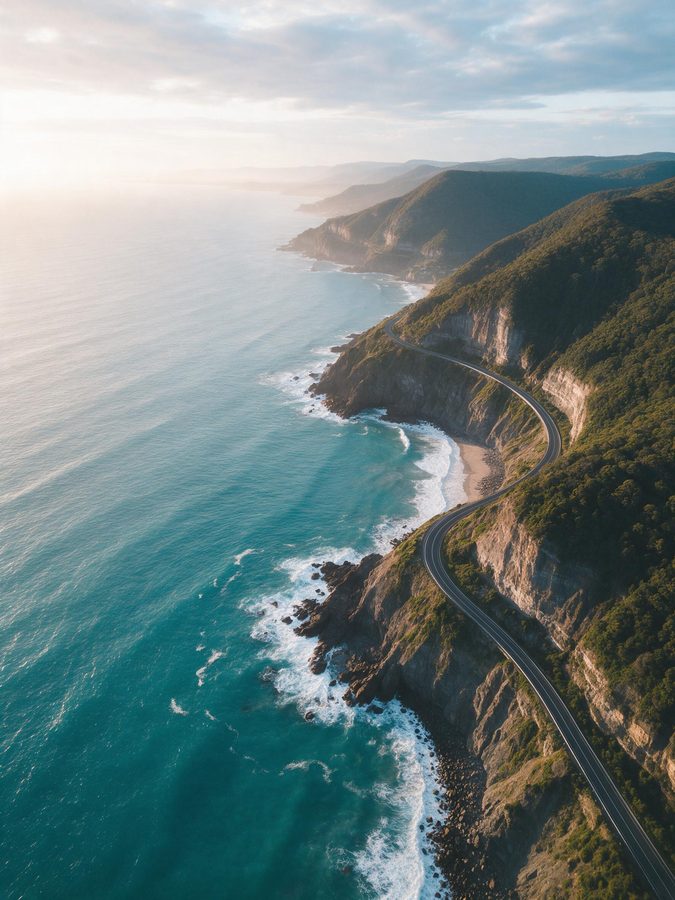
- Travel photos into reels
- AI influencer posts
Frequently asked questions
Which images work best?
+
Sharp images with a clear subject. The aspect ratio of your photo is usually kept.
Is it free?
+
Image to video uses credits. Clipping and posting stay free.
Ready to create?
Animate a photoMore tools
- Free clip maker
- Free video clipper
- AI clip maker
- YouTube to Shorts
- Twitch clip maker
- TikTok & Reels clips
- Podcast clip maker
- Opus Clip alternative
- AI video generator
- Cheap AI video generator
- No subscription
- Seedance 2.5
- Veo 3.1 for less
- Kling 3.0
- AI image generator
- Cheap AI image generator
- Nano Banana Pro
- Best studio for Threads
- Best app for AI story videos
- Best AI influencer studio
- AI influencer generator
- All-in-one AI studio
- Higgsfield alternative