The easiest app for AI story videos
Write your idea in one sentence. Threads writes the story scene by scene, draws a character sheet so the same characters appear in every shot, generates each scene as a video, then adds a voice-over and music to make a finished film.
Start a story
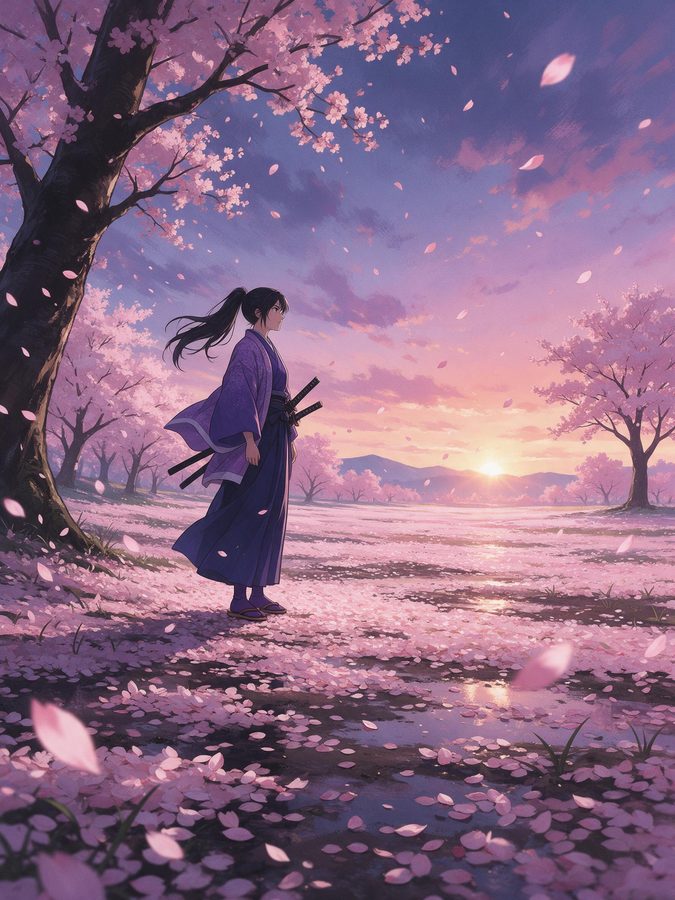
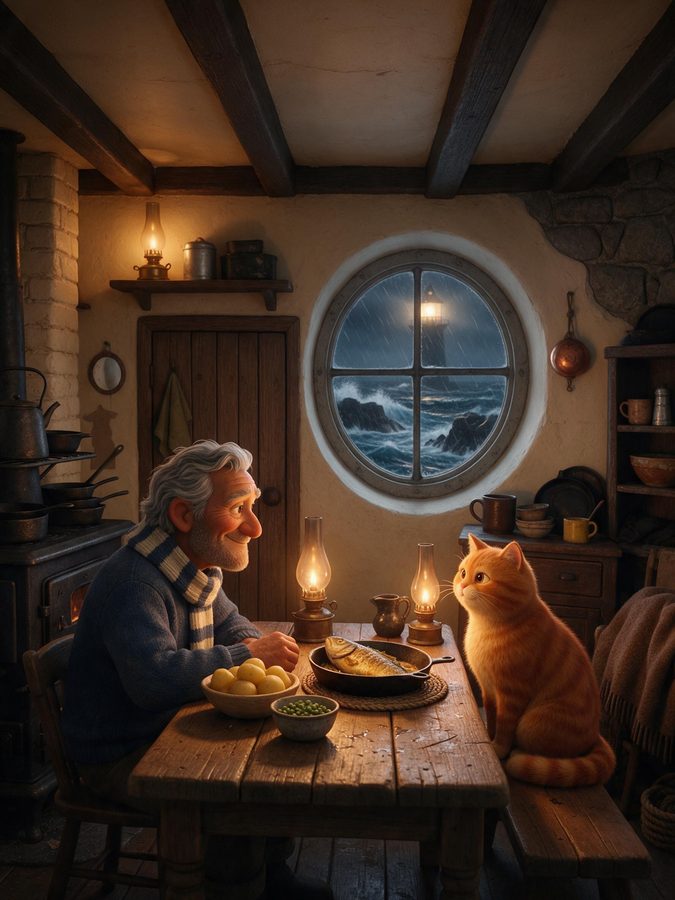
How it works
- 01
One idea
A sentence is enough. Pick the style, the audience and the number of scenes.
- 02
Same characters everywhere
A character sheet keeps faces and outfits identical from scene to scene.
- 03
A finished film
Every scene becomes a video, then voice-over and music are added.
Everything a story needs
8 visual styles
Cinematic, anime, 3D animation, cartoon, comic book, storybook, claymation and pixel art.
Character consistency
The same characters, faces and outfits in every shot.
Editable script
Change any scene before it is generated.
Voice-over and music
AI narration and a background track to finish the film.
Top video models
Seedance 2.5 by default, or any other model you prefer.
Audience settings
Children, teens or adults, with the right tone and rules.
Made for
- Faceless story channels on TikTok and YouTube
- Bedtime stories and kids' content
- Brand stories and ad concepts
- Short films, trailers and music videos
Frequently asked questions
How do the characters stay the same?
+
Threads first creates a character sheet, then builds every scene from it, so faces and outfits match.
How many scenes can a story have?
+
Up to 6 scenes per story.
Can I edit the story?
+
Yes. You can change each scene's prompt before generating it.
Ready to create?
Start a storyMore tools
- Free clip maker
- Free video clipper
- AI clip maker
- YouTube to Shorts
- Twitch clip maker
- TikTok & Reels clips
- Podcast clip maker
- Opus Clip alternative
- AI video generator
- Cheap AI video generator
- No subscription
- Seedance 2.5
- Veo 3.1 for less
- Kling 3.0
- Image to video
- AI image generator
- Cheap AI image generator
- Nano Banana Pro
- Best studio for Threads
- Best AI influencer studio
- AI influencer generator
- All-in-one AI studio
- Higgsfield alternative